Pay Electricity Bill Online NigeriaNovember 26, 2026
6
4 min read
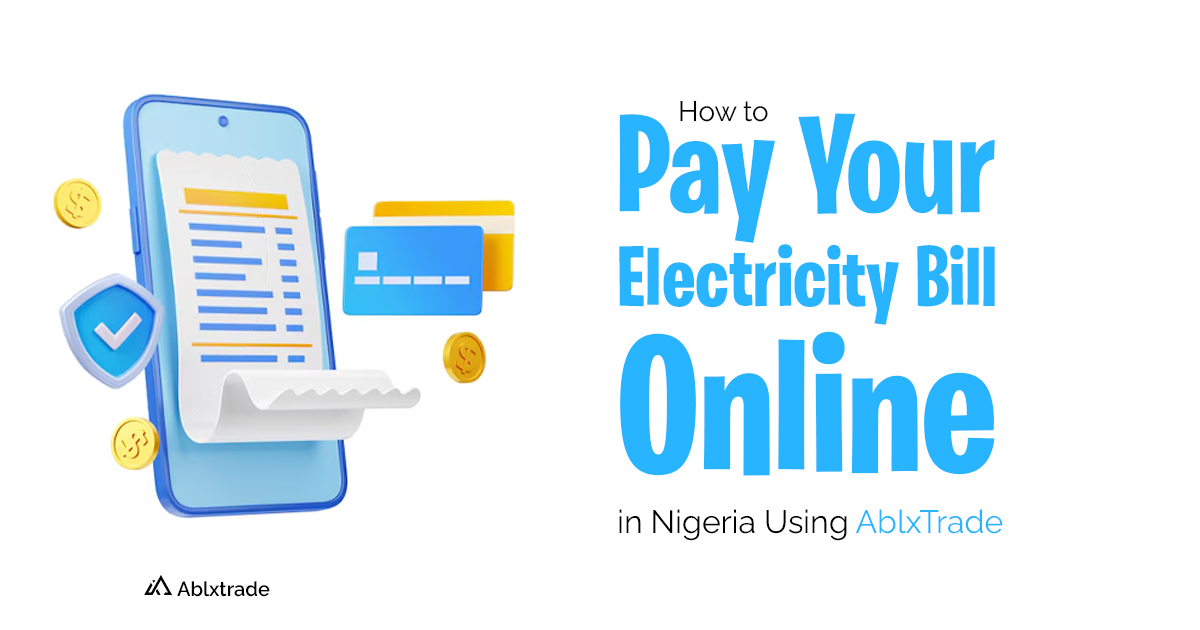
Paying electricity bills in Nigeria should be straightforward, but it rarely is. People experience long queues at DisCo offices, payment platforms fail at month-end, bank transfers that don’t reflect on your account, and customer service lines that nobody picks up. The experience of settling your electricity bill has frustrated Nigerians for years.
In 2025, the NERC Industry Report, via Punch, shows that over 5.19 million of Nigeria’s 12 million registered electricity customers remain unmetered, meaning more than 40% are still receiving estimated bills that may not reflect their actual consumption. Nigerians lodged 708,677 complaints against DisCos in 2025 alone, with metering and billing disputes accounting for nearly 75% of all grievances.
AblxTrade’s Pay Electricity feature removes most of that friction. You select your distribution company, choose your meter type, enter your meter number, verify, and pay directly from your naira wallet. No queues, failed transactions at congested payment portals or any need to leave the house.
This guide walks you through exactly how it works.
AblxTrade covers all 11 major electricity distribution companies (DisCos) in Nigeria:
Regardless of your location in Nigeria, you can rest assured that your distribution company is covered.
Before paying, you need to know which type of meter you are on. AblxTrade supports both.
Prepaid Meter
You buy units in advance and load them onto your meter. When units run out, the power goes off. You control how much you spend. Your meter displays your remaining balance in kilowatt-hours (kWh)
Postpaid Meter
Your DisCo bills monthly based on usage. If you don’t have a meter, you receive an estimated bill. You pay after consuming electricity, usually with a deadline each month.
If you are not sure which you are on, check your meter. A prepaid meter typically shows remaining units on a display screen. A postpaid meter typically shows your cumulative consumption. If you receive a monthly bill from your DisCo in the post or via SMS, you are on postpaid.
You will need your meter number to complete the payment. Here is where to find it:
NB: Always save your meter number in your phone’s notes app or contacts so you never have to search for it again. You will need it every time you recharge or pay your bill.
1. Open the AblxTrade app and make sure your naira wallet is funded.
2. Tap the Menu icon and select “Pay Electricity” under the Pay Bills section.
3. Select your electricity provider. Choose your DisCo from the dropdown (e.g., Ikeja, Abuja, Eko, Ibadan, etc.).
4. Select your metering system and choose either Prepaid or Postpaid.
5. Enter your meter number — type in your meter number carefully.
6. Tap “Verify” to confirm your meter details.
Please confirm what appears on the verification screen. Is it the customer's name, address, or account details? I can’t check from my end.
7. Enter the amount you want to pay and confirm the transaction with your PIN.
Please confirm how the prepaid token is delivered. Is it via SMS, on-screen, or both?
For prepaid meters: You will receive a token, which consists of a series of numbers you enter directly into your meter to load the units. The meter then shows your updated balance in kilowatt-hours.
For postpaid meters: Your payment is recorded against your account with your DisCo. It should reflect within a short time, clearing your outstanding balance.
Before paying, make sure your AblxTrade naira wallet has enough balance. If it is insufficient, tap “Add Funds” on the wallet home screen to top it up, then return to complete the electricity payment.
Pay your electricity bill from anywhere in Nigeria using AblxTrade, all 11 DisCos, prepaid and postpaid, directly from your naira wallet.
Ready to explore cryptocurrency opportunities in Africa? ABLX provides secure, user-friendly platforms for trading and managing your digital assets.

Explore more insights about cryptocurrency, blockchain, and financial technology in Africa.